Adobe Student Spaces: Cheat Sheet
Designed and shipped a 0→1 AI-native study tool at Adobe.
Overview
How might Adobe turn hours of course material into one exam-ready page?
As the primary product designer, I took Cheat Sheet from an open product brief to launch across desktop and mobile during my 11-week internship.
Product Strategy
Defined how Cheat Sheet would differ from Study Guide: ultra-condensed, structured, and built for last-mile recall.
Prototyping & Testing
Used research, high-fidelity prototypes, and live feedback to turn an open brief into a clear product direction.
Systems & Delivery
Built responsive components, states, accessibility specifications, and interaction rules engineering could ship.
Problem
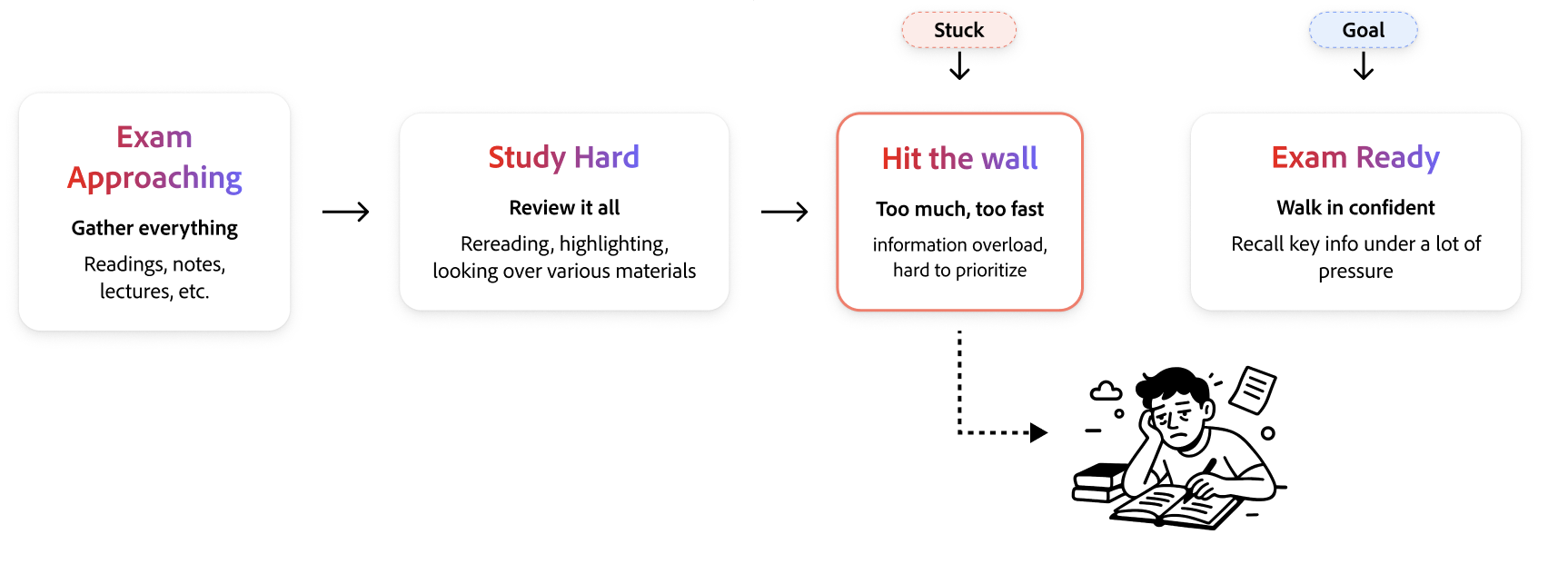
Students were already asking AI to make cheat sheets.
Adobe’s internal research analyzed 3M LLM prompt interactions from 15K higher-ed students. “Deadline Rescue / Urgency / Instant Mode” was the #1 student intent cluster. Within 602K Study Guide Builder prompts, 4% explicitly requested formula sheets, key terms, or similar condensed study materials.
Yet students still stitched together handwritten notes, Google Docs, and Quizlet workarounds. Existing tools supported comprehensive learning; this moment demanded compression and retrieval speed.
Opportunity
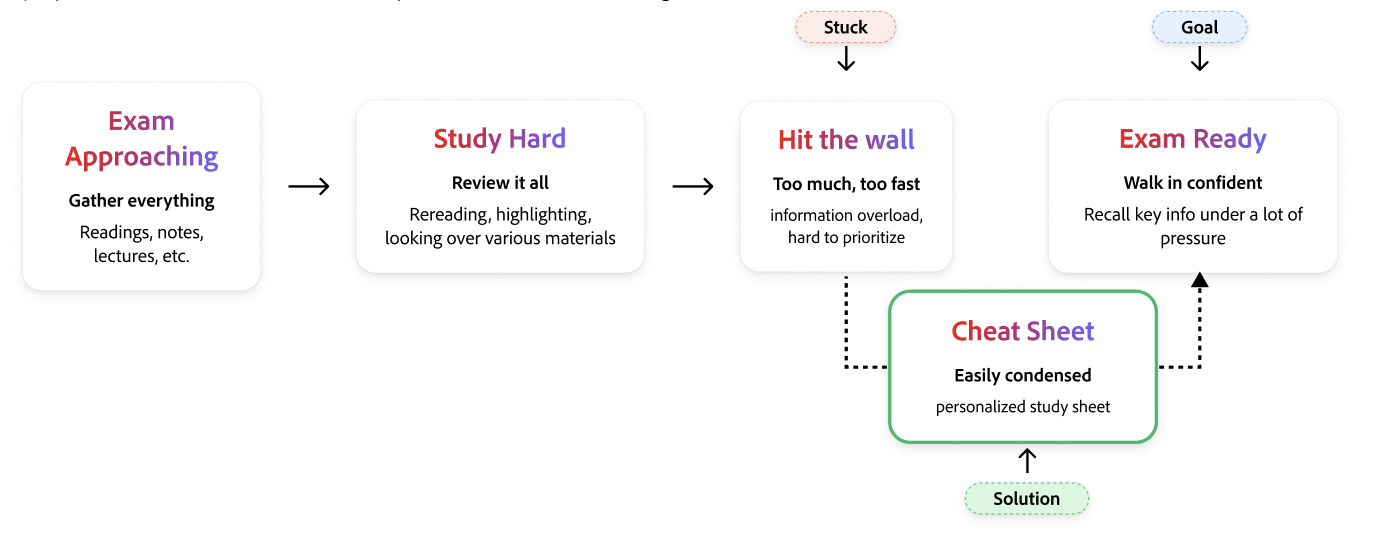
Cheat Sheet could serve a need Study Guide did not.
Unlike a long-form Study Guide, Cheat Sheet would be a focused, AI-assisted artifact built for exam-ready recall. It could condense a student’s materials, choose structures that fit the subject, and remain editable so students still shaped how they learned.
Compression
Keep only the content with real revision value.
Adaptive Structure
Use formulas, timelines, tables, procedures, glossaries, or mnemonics when they fit.
Student Control
Make the output editable, reorganizable, and export-ready—not a fixed AI response.
Research
I combined existing research with 17 new interviews.
I began by analyzing transcripts from research studies conducted for other Student Spaces tools. Looking across the broader product helped me spot recurring behaviors and needs instead of treating Cheat Sheet as an isolated experience.
I then conducted 17 interviews across Penn and San José State students and six Adobe interns, including three interns based in India. This mix helped me test whether the same patterns held across campuses, time zones, and different relationships to Adobe.
Solution & Core Flows
Generate quickly. Edit freely. Make it yours.
The launched experience turns source material into a structured study artifact while keeping students in control of its content, organization, and presentation.
The principles behind the product
Intentional before generated
Give students control over what goes into the Cheat Sheet before AI creates it.
Easily scannable
Use hierarchy, type, and structure to make information findable in seconds.
Earn the Cheat Sheet
Accelerate studying without replacing the thinking that makes revision useful.
Keep only what matters
Every element on the page should earn its place.
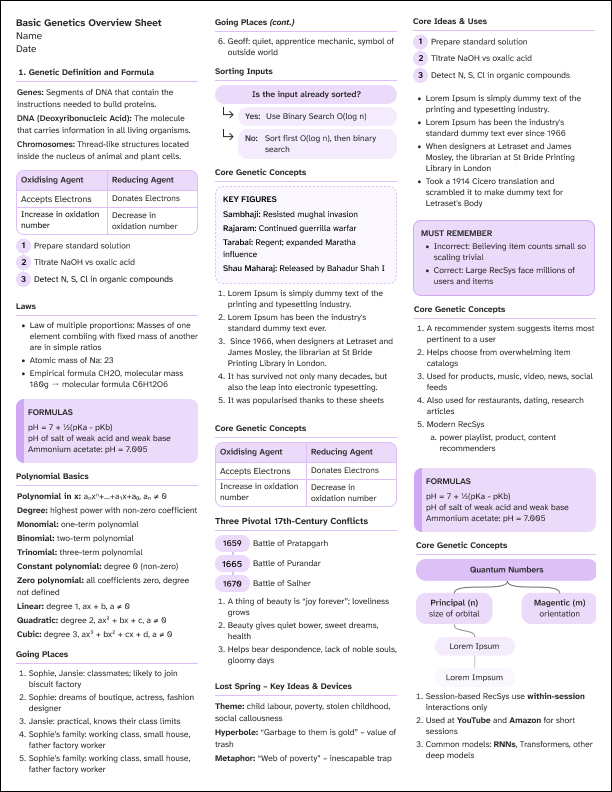
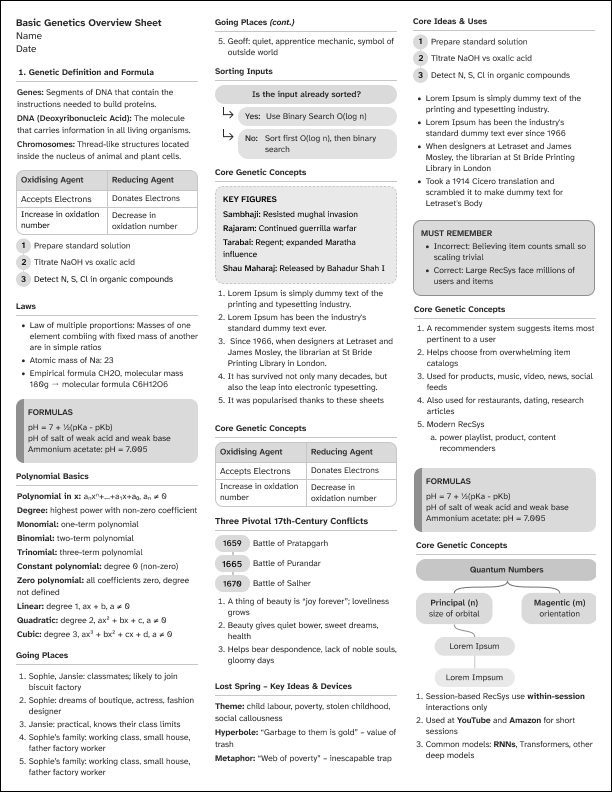
Designed for screens and printers
From source material to first draft
The complete launched generation flow, from source selection to the finished artifact.
Editing without starting over
Revise the content of an existing section in place.
Expand the artifact when something important is missing.
Restructure the page around the student’s priorities.
Impact
Student Spaces reached more than 1 million monthly active users.
Adobe launched Student Spaces in beta in April 2026. By September, the company reported more than 1 million monthly active users and made the product available to students worldwide for free. Cheat Sheet shipped into that live ecosystem—reaching students on the web and Android instead of remaining an internship concept.
monthly active users
availability for students
Student Spaces access
ways to study anywhere
Public reach figures from Adobe’s September 2026 newsroom announcement.
Student reactions
Students were excited to use what we shipped.
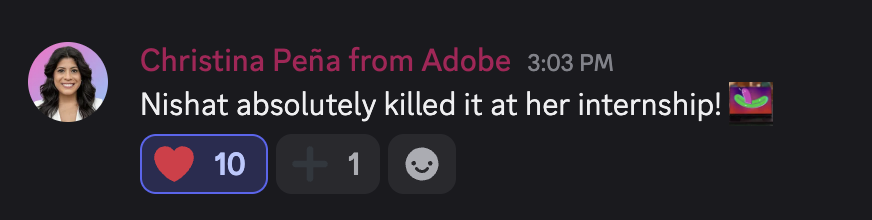
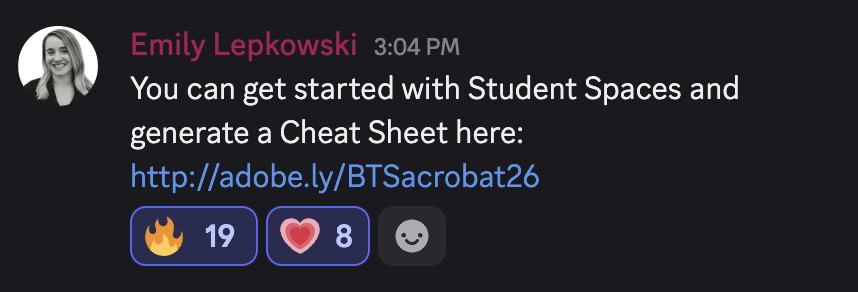
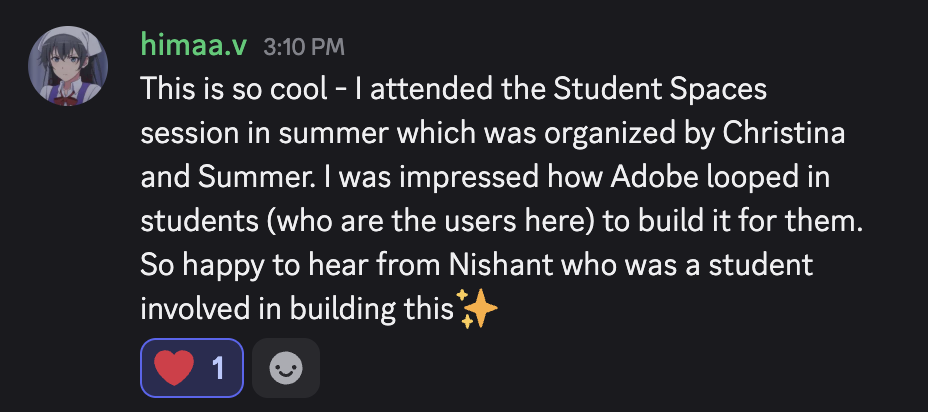
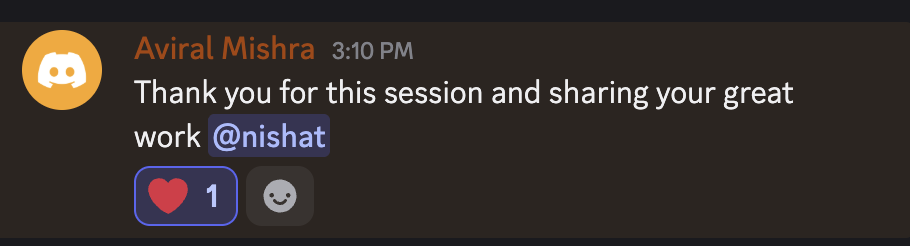
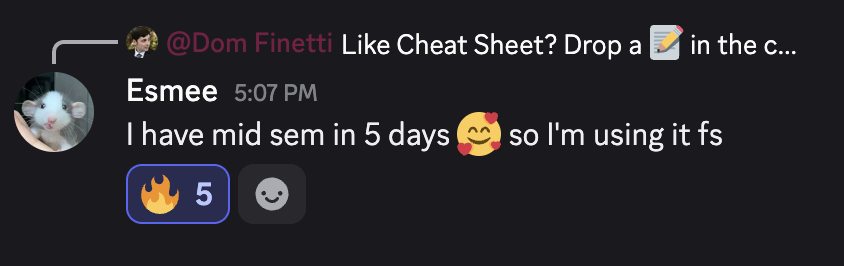
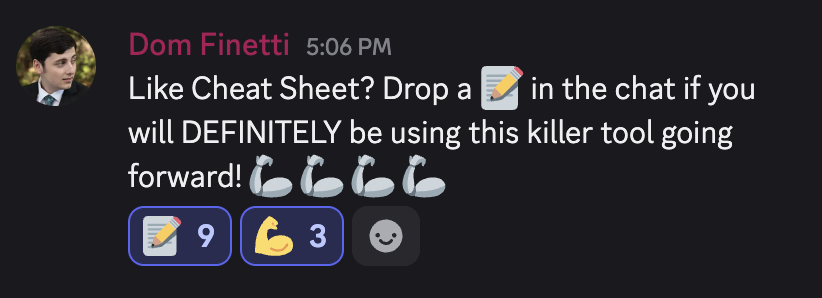
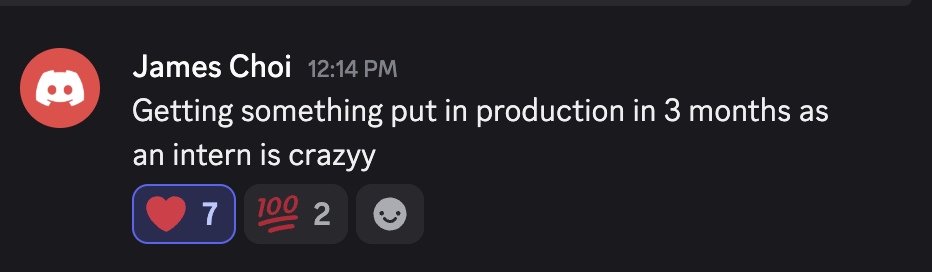
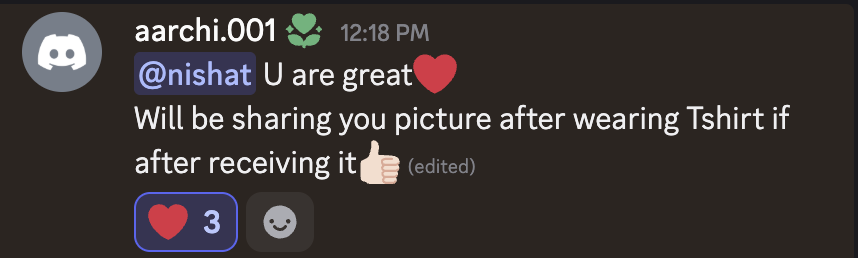
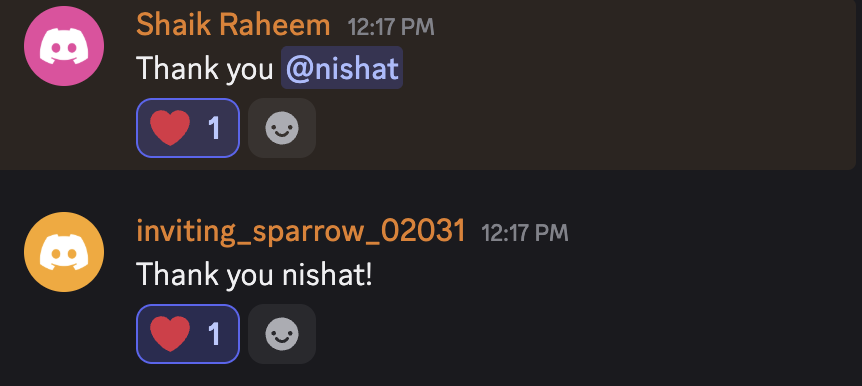
During the launch and live demos, students celebrated the work, shared that they planned to use Cheat Sheet, and responded to seeing a student help build a tool for them.



See Student Spaces in action
Reflections
What I learned in one summer.
Cheat Sheet
worked end-to-end, from concept to launch
User Research
countless interviews that shaped every design decision
Adobe Education Summit
did a live demo on Founders Tower stage to hundreds of students & educators
Design System
design decisions went into crafting each content block for generation & editing
Cross-functional Collaboration
weekly syncs with PM and engineering to ship a product
Prototyping
vibecoded and presented to leadership
A few moments from the summer